You've seen the box at checkout hundreds of times: "Enter promo code." Sometimes you have one. Often you don't. And if you've ever wondered exactly what is a promo code, how it's different from a coupon, or why a code you found online didn't work — this guide covers all of it.
Understanding how promo codes work takes about five minutes. Knowing how to find and apply them correctly can save you money on virtually every online purchase you make. According to a 2023 report by the Coupon Bureau, U.S. households that actively use promo codes save an average of $1,465 per year compared to those who don't — without changing what they buy. Start by browsing active codes in our store directory.
Promo Code vs Coupon Code — What's the Difference?
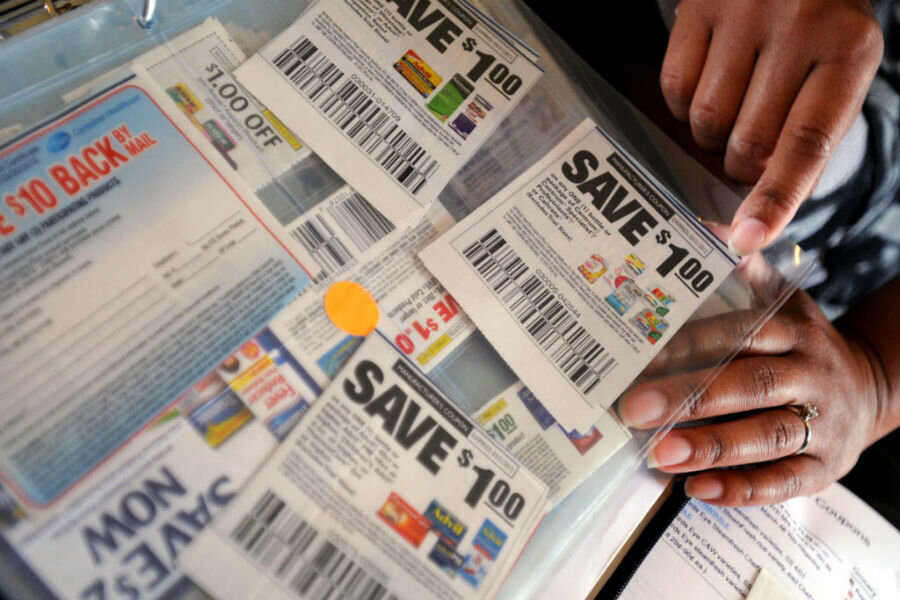
The short answer: in everyday usage, they mean the same thing. But technically, there's a subtle distinction worth knowing.
A coupon originally referred to a physical slip of paper clipped from a newspaper or mailer that you handed to a cashier in-store. The discount was printed on the coupon itself — no code required.
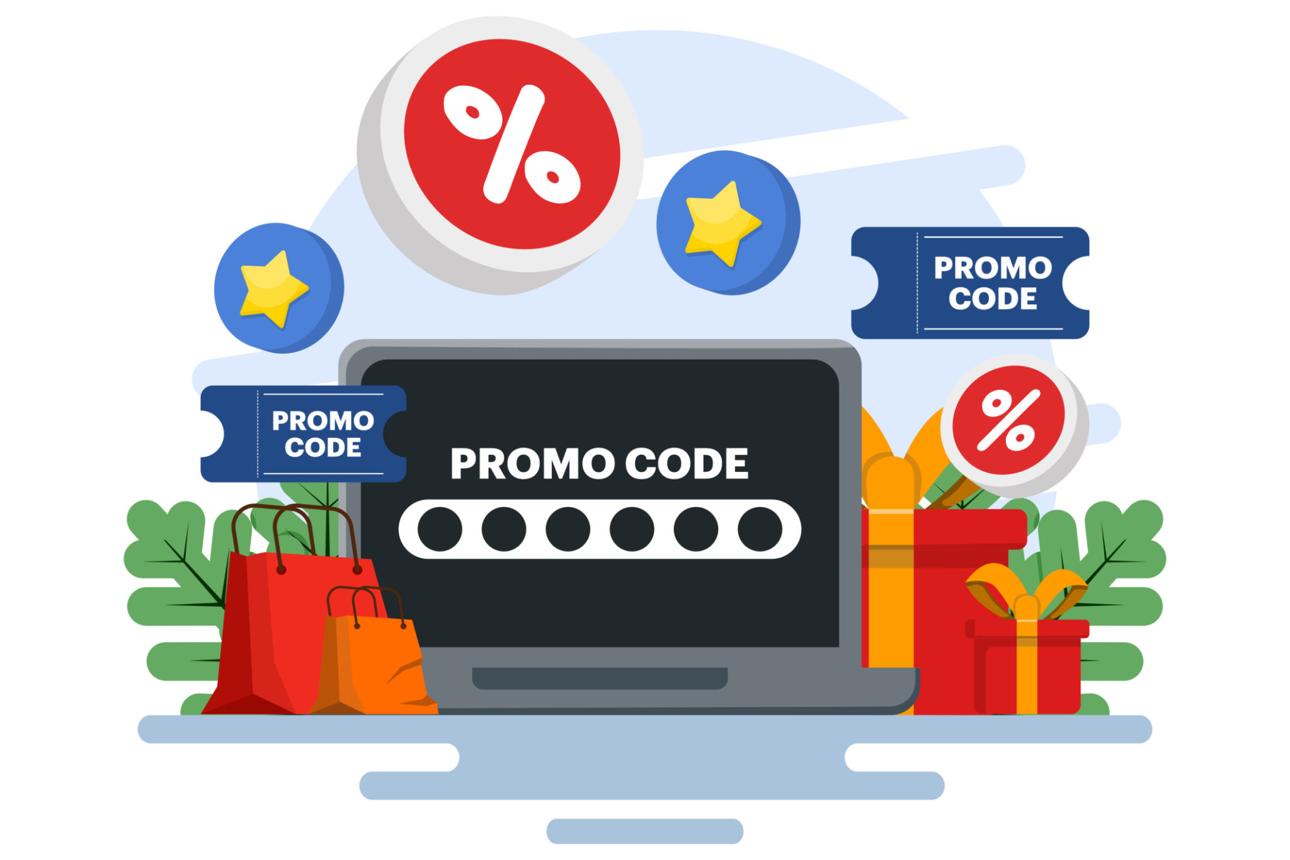
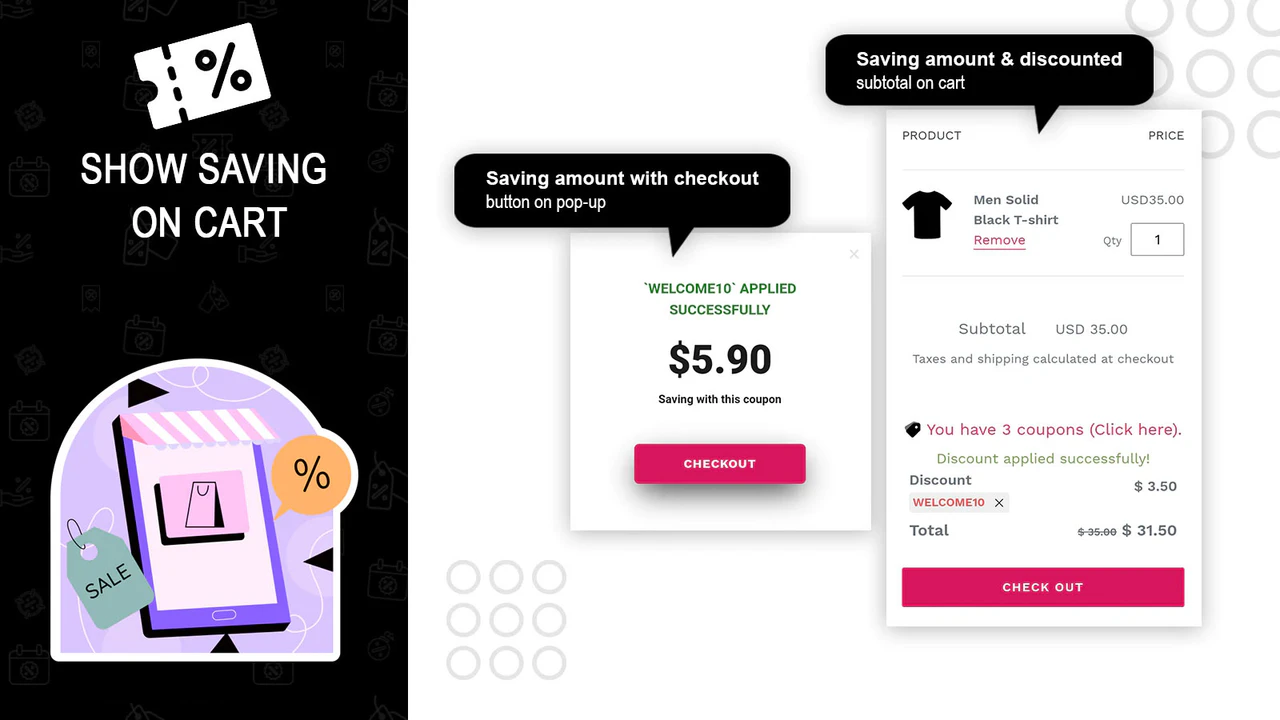
A promo code (also called a promotional code, discount code, or coupon code) is the digital equivalent: a short string of letters and numbers — like SAVE20 or WELCOME10 — that you type into a field at online checkout to trigger a discount.
In practice, most people use these terms interchangeably, and retailers do too. You'll see "coupon code," "promo code," "discount code," and "voucher code" used to describe the exact same thing on different websites. For the purposes of shopping online, promo code vs coupon is a distinction that rarely matters — they both reduce what you pay.
What does matter is the type of discount the code applies, which brings us to the next section.
Types of Promo Codes Explained
Not all promo codes work the same way. Understanding the type helps you evaluate whether a code is worth using and whether it applies to what you're buying.
Percentage off — The most common type. A code like TAKE15 removes 15% from your cart total or from specific items. These are often the best value on larger purchases.
Fixed dollar amount off — Removes a flat amount, like $10 off any order. These are better value on smaller purchases where a $10 discount represents a larger percentage of the total.
Free shipping — Waives the shipping fee entirely. Often the most practical code type for mid-size orders where shipping costs erode the deal. Worth activating even when you're not receiving a product discount.
BOGO and bundle deals — "Buy one, get one" or "buy two, get one free" offers are sometimes activated by a code, though they're more commonly automatic sale prices. Worth checking for codes anyway before adding to cart.
Category-specific codes — Apply only to certain product categories (e.g., "20% off all electronics" or "10% off shoes"). Read the fine print before checkout — these won't apply storewide.
First-order codes — Triggered by signing up for a retailer's email list or creating a new account. Typically 10–20% off and valid once per customer. These are among the easiest discounts to capture; simply signing up before you purchase is often enough.
Loyalty and member codes — Exclusive to cardholders, loyalty program members, or subscribers. Amazon Prime members, Sephora Beauty Insiders, and Adidas adiClub members all receive codes unavailable to the general public.
How to Find a Promo Code for Any Store
This is where most shoppers leave money on the table. Finding a promo code for almost any retailer takes less than a minute if you know where to look.
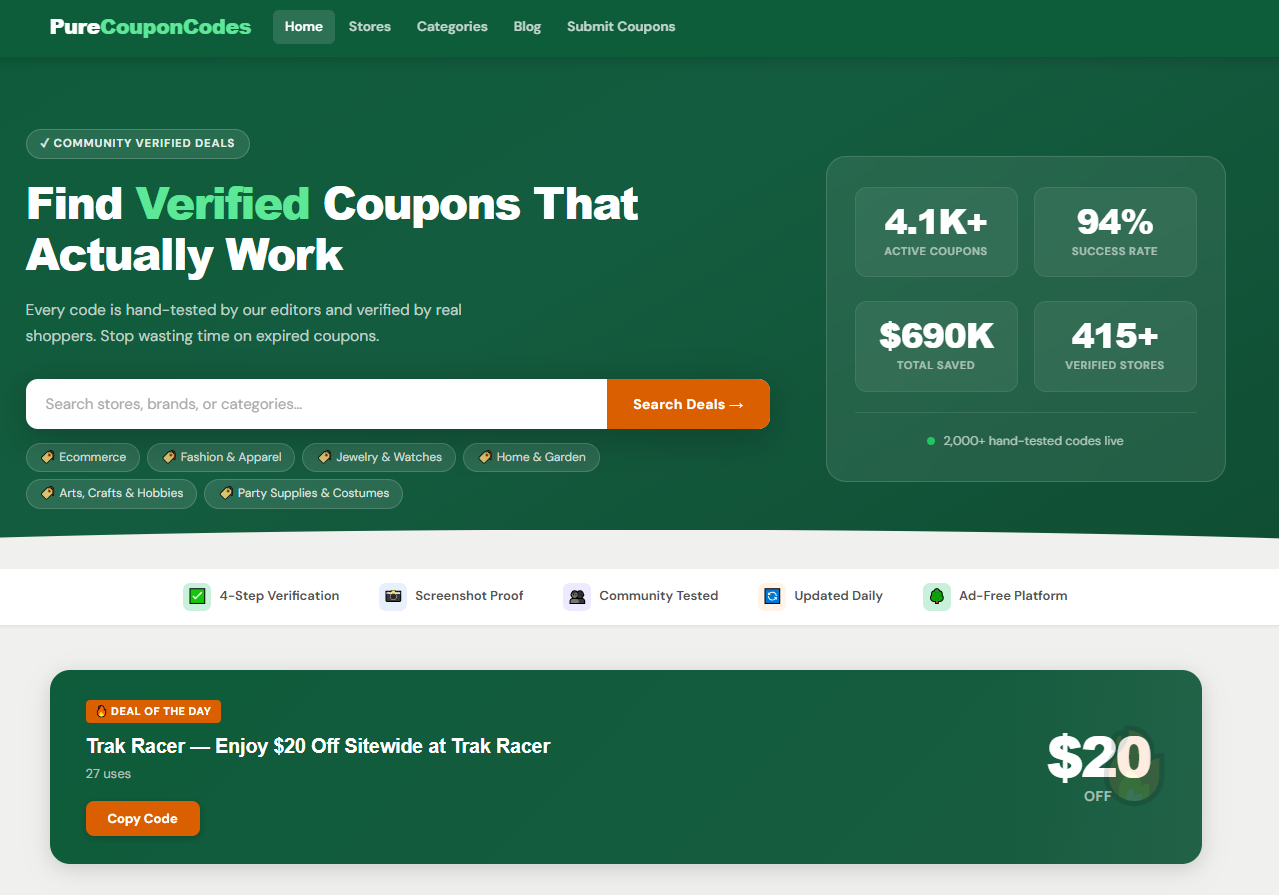
1. Check a coupon aggregator first. Sites like this one maintain updated databases of active codes for thousands of retailers. Before purchasing at Amazon, Walmart, Best Buy, Target, American Eagle, or Adidas, visit the store's dedicated page on PureCouponCodes first.
 TT
TT
2. Sign up for the retailer's email list. Most retailers send a welcome discount code within 24 hours of signup — typically 10–20% off. Create a dedicated shopping email address so the inbox doesn't clutter your main one. Check it whenever you're about to buy.
3. Install a browser extension. Tools like Honey and Capital One Shopping automatically test available promo codes at checkout and apply the best one. They work in the background and require no manual searching. For a full breakdown of which extensions perform best, see our guide to browser extensions that find coupons automatically.
4. Search "[store name] promo code" before buying. A quick Google search often surfaces codes posted on deal forums like Reddit's r/frugal or r/deals, especially for less common retailers not covered by major aggregators.
5. Check the retailer's own site. Many stores post their current promotions on a dedicated "Offers" or "Deals" page. These are official codes that are always valid and require no hunting.
For a deeper look at building a system around this habit, see our guide on 10 coupon habits that actually work.
How to Use a Promo Code at Checkout (Step-by-Step)
The process is slightly different at every retailer, but the structure is always the same.
Step 1: Add items to your cart. Codes are applied at checkout, not on the product page. Fill your cart first.
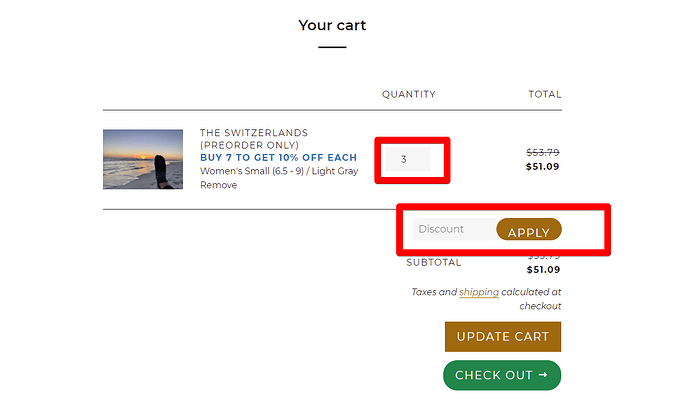
Step 2: Proceed to checkout. Look for a text field labeled "Promo Code," "Coupon Code," "Discount Code," or "Gift Card / Promo Code." On most sites it appears on the cart summary page or the first step of checkout.
Step 3: Type or paste the code exactly as written. Promo codes are case-sensitive on some platforms. Copy and paste directly from the source to avoid typos. Remove any leading or trailing spaces that may paste along with the code.
Step 4: Click "Apply" and verify the discount. Your order total should update immediately to reflect the discount. If it doesn't change, the code either didn't apply or isn't valid for the items in your cart.
Step 5: If the code fails, check the restrictions (see next section) before abandoning it.
One important note: most retailers allow only one promo code per order. If you have both a percentage-off code and a free shipping code, you'll typically need to choose. In those cases, calculate which saves more on your specific cart total.
Why Do Codes Stop Working?
A valid-looking code failing at checkout is one of the most common frustrations in online shopping. Here are the most frequent reasons — and what to do.
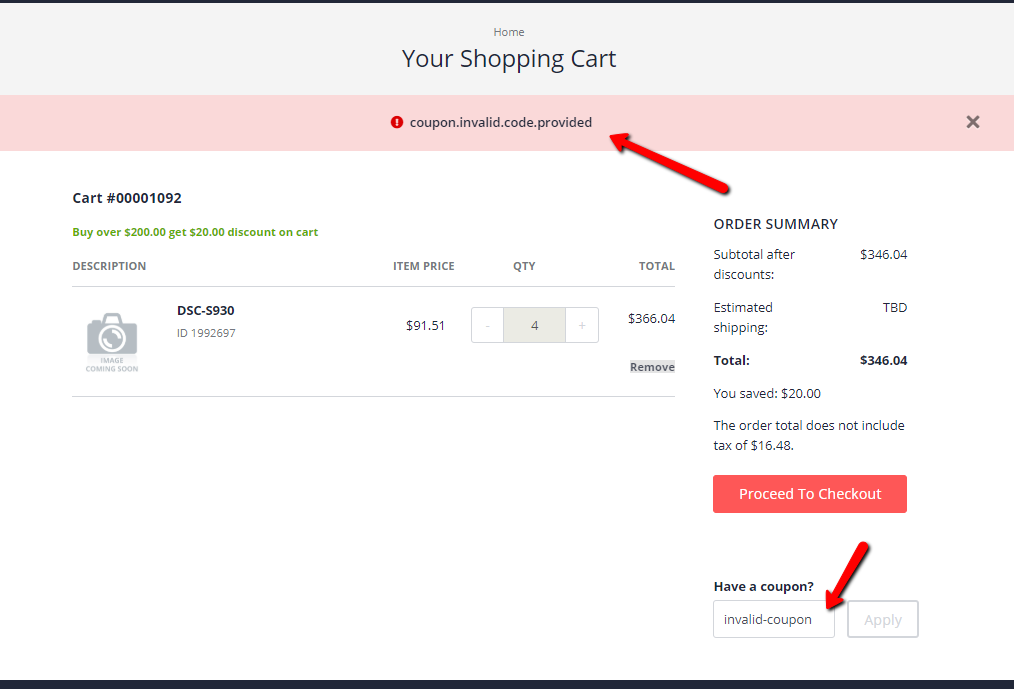
The code has expired. Most promo codes carry an expiration date, sometimes as short as 24–48 hours for flash sales. Always check when the code was published and whether an expiry date is listed.
The code has reached its usage limit. Some codes are limited to a set number of uses (e.g., "first 500 customers"). Once that limit is hit, the code is deactivated even if the expiry date hasn't passed.
Your cart doesn't meet the minimum order requirement. Many codes require a minimum purchase — "$10 off orders over $75" won't apply to a $60 cart. Check whether a minimum is listed.
The items in your cart are excluded. Category-specific or sale-item exclusions are common. Codes often explicitly exclude clearance items, electronics, or certain brands. The fine print on the original code should list any exclusions.
You're not a new customer. First-order and welcome codes check your account history. If you've ordered before — even under a different email — the code may reject.
The code is specific to another account. Loyalty codes, referral codes, and birthday offers are tied to the individual account that received them. They won't work for other users.
If a code fails and none of the above explains it, try a different code from our stores directory — multiple codes are often listed per retailer, and success rates vary.
Frequently Asked Questions
What is a promo code, exactly? A promo code is a short string of letters or numbers — like SAVE15 — that you enter at online checkout to receive a discount. It's the digital version of a paper coupon.
Is a promo code the same as a coupon code? Yes, in practice they're the same thing. "Promo code," "coupon code," "discount code," and "voucher code" all refer to the same mechanism. The terminology varies by retailer.
Where do I enter a promo code? At checkout. Look for a field labeled "Promo Code," "Coupon Code," or "Discount Code" on the cart or payment page. Enter the code and click "Apply" to see the discount reflected in your total.
How do coupon codes work if I don't have one? Visit the retailer's page on PureCouponCodes to find currently active codes. You can also install a browser extension like Honey that automatically tests available codes at checkout.
Can I use more than one promo code at a time? Most retailers only allow one promo code per order. If you have multiple codes, test each one to see which saves more on your specific cart.
Why did my promo code stop working? The most common reasons are expiry, a usage limit being reached, a minimum order requirement not being met, or item exclusions. Check the code's terms or try an alternative code from our store directory.
Do promo codes work on sale items? Often not. Many codes explicitly exclude items already on sale or clearance. This is the most common exclusion — check the fine print before assuming a code applies.
Find active promo codes for hundreds of stores — updated daily.