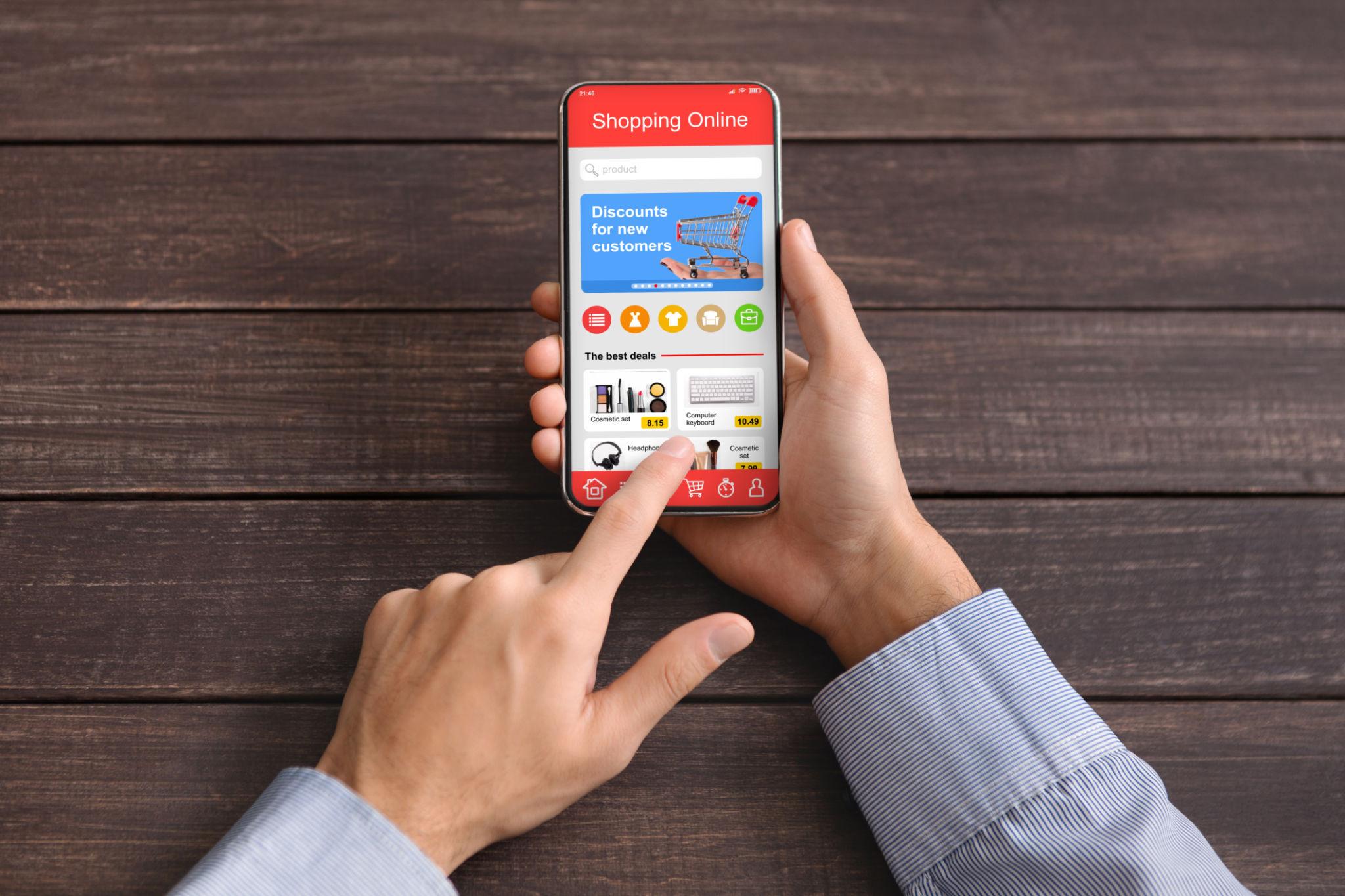
If you've ever watched an extreme couponing show and thought, "That looks incredible — but I'm not cutting out a thousand paper coupons on my Sunday morning," you're not alone.
The good news? You don't have to. The era of scissors, newspaper inserts, and binders stuffed with paper is largely over. Today's savviest savers are doing it all digitally — and in some cases, saving just as much (or more) without a single clip.
This extreme couponing guide is built for the modern shopper. Whether you're new to couponing or just looking to upgrade your system, you'll learn exactly how to start couponing the digital way, build a routine that actually sticks, and avoid the burnout that kills most people's savings habits.
Digital Couponing vs Traditional Clipping
Let's start with the big question: is digital couponing actually as effective as the old-school paper method?
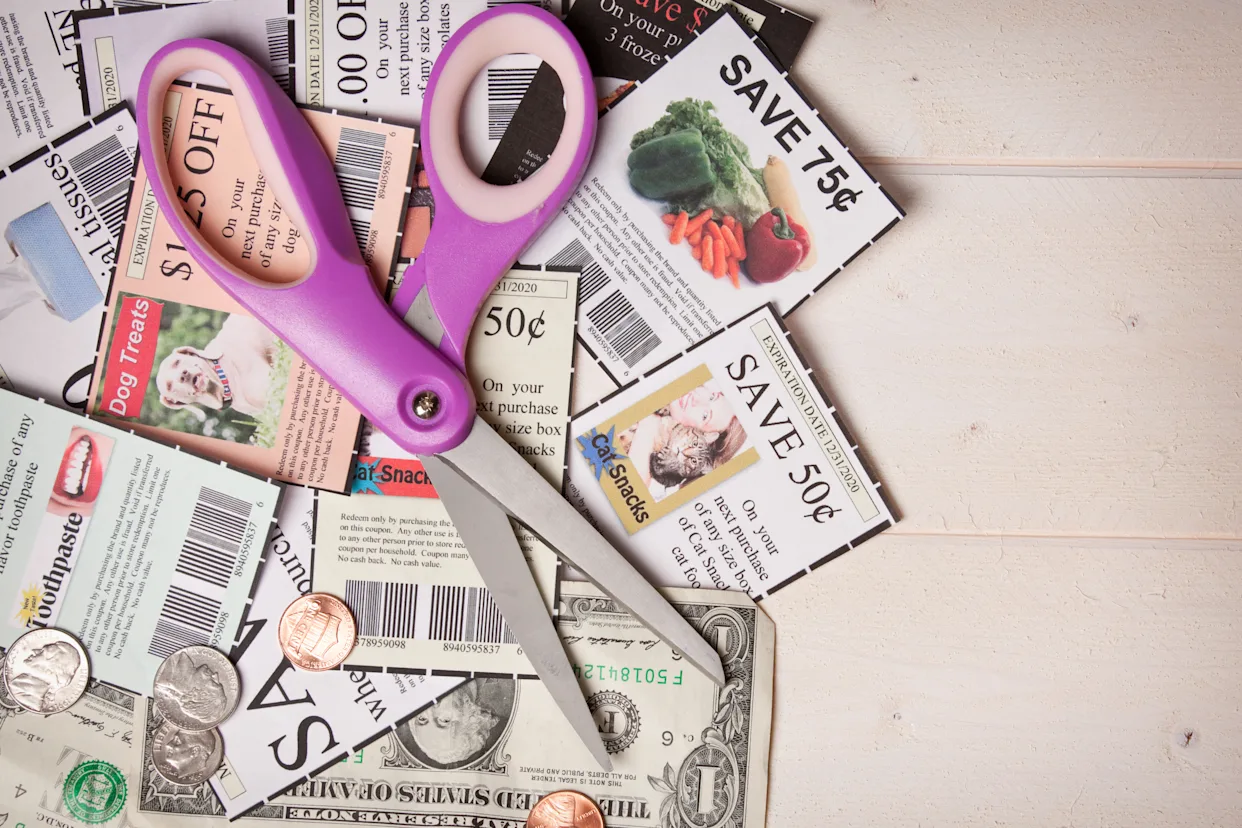
Traditional clipping involves collecting newspaper inserts, cutting individual coupons, organizing them by category or expiration date, and physically presenting them at checkout. At its peak, it could yield massive savings — but it demanded serious time investment. Dedicated extreme couponers spent hours every week managing their paper stash.
Digital couponing works differently:
Coupons live in apps, browser extensions, and store loyalty accounts
You "clip" with a tap or click
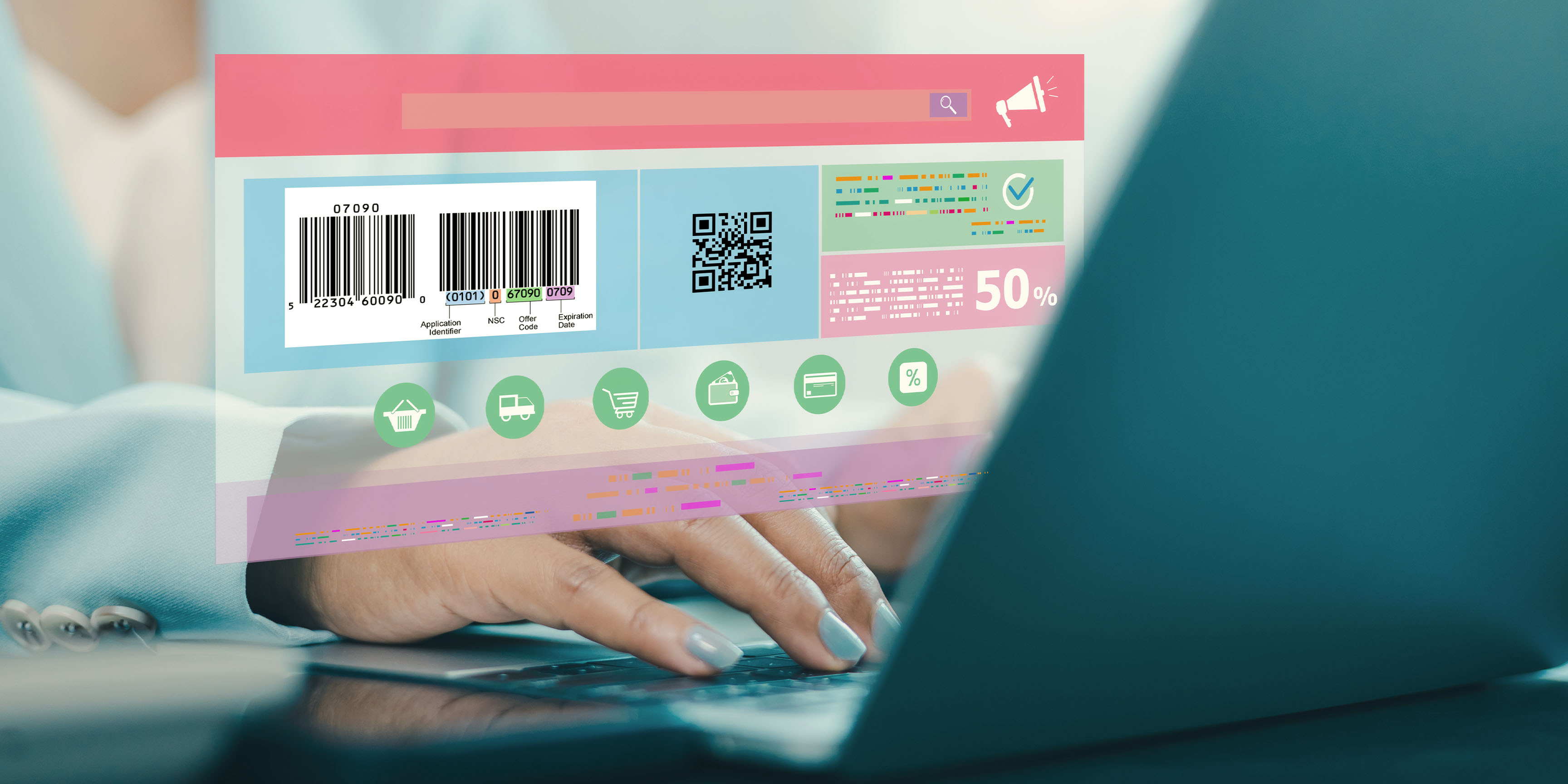
Discounts apply automatically at checkout — online or in-store (via barcode scan)
No physical storage, no expiration-date panic, no forgetting them at home
The tradeoff? Digital coupons are usually not stackable to the same extreme degree as paper. You won't always be walking out of a store with $400 worth of groceries for $12. But for most people, saving 20–40% on a regular grocery bill with 30 minutes of setup is a far more realistic and sustainable goal — and digital couponing delivers that consistently.
One more important note: many stores have phased out or significantly reduced paper coupon acceptance. Digital-first is no longer just a preference — it's quickly becoming the only game in town.
Setting Up Your Savings System (30-Minute Setup)
The biggest mistake new couponers make is diving in without a system. They download five apps, forget which ones they signed up for, and give up within two weeks. Avoid that by building your foundation properly — this takes about 30 minutes and pays dividends for months.
Step 1: Choose 2–3 Primary Stores (10 minutes)
Don't try to coupon everywhere at once. Pick the 2–3 stores you already shop at most frequently. This keeps your effort focused and your savings real. For most households, this means:
One large grocery chain (Kroger, Safeway, Publix, etc.)
One warehouse-style store (Costco, Sam's Club)
One pharmacy/drugstore (CVS, Walgreens, Rite Aid)
Step 2: Sign Up for Loyalty Programs (10 minutes)
Every major retailer now has a loyalty or rewards app. These are your single most important couponing tool. Most digital coupons are exclusive to loyalty members and are loaded directly onto your card or account.
Create accounts at each of your 2–3 target stores. Download their apps. This is non-negotiable — almost everything in modern digital couponing flows through these accounts.
Step 3: Install One Browser Extension (5 minutes)
Tools like Honey, Rakuten, or Capital One Shopping run quietly in your browser and automatically surface coupon codes when you're shopping online. Install one (not all — they can conflict) and let it run in the background.
Step 4: Create a Weekly Coupon Folder (5 minutes)
This sounds old-fashioned, but digital organization matters too. Create a bookmark folder or a simple note in your phone with:
Links to your store apps
Your go-to cashback app (more on that below)
Any loyalty card barcodes (some apps let you store these)
That's it. Your system is built. Now let's stock it with savings.
Where to Find the Best Digital Coupons
Once your system is set up, the question becomes: where do you actually find coupons worth using? Here's a tiered breakdown of the best sources.
Tier 1: Store Apps (Highest Value)
Your store's own app is almost always the best source of savings. Here's why:
Store-specific deals are often deeply discounted (Buy 2 Get 1, 40% off produce weeks, member pricing)
Digital clip coupons load directly to your loyalty account
Weekly ad integration lets you plan your shopping list around what's on sale
Major programs to prioritize:
Kroger/King Soopers/Fred Meyer: App has hundreds of clippable coupons weekly, plus personalized deals based on your purchase history
Safeway/Albertsons: Similar structure; "Just for U" deals can be significant
CVS ExtraCare: Pharmacy coupons that stack with sale prices
Walgreens myWalgreens: Cash rewards on nearly every purchase
Pro tip: Before every shopping trip, open the app and clip everything in your relevant categories — dairy, produce, pantry staples — even if you don't plan to buy it that week. The act of clipping often triggers the deal, and you'll sometimes find it applies to something you were already going to buy.
Tier 2: Cashback Apps (Stack on Top of Store Deals)
Cashback apps work independently of store coupons, which means you can often use them at the same time — effectively stacking savings.
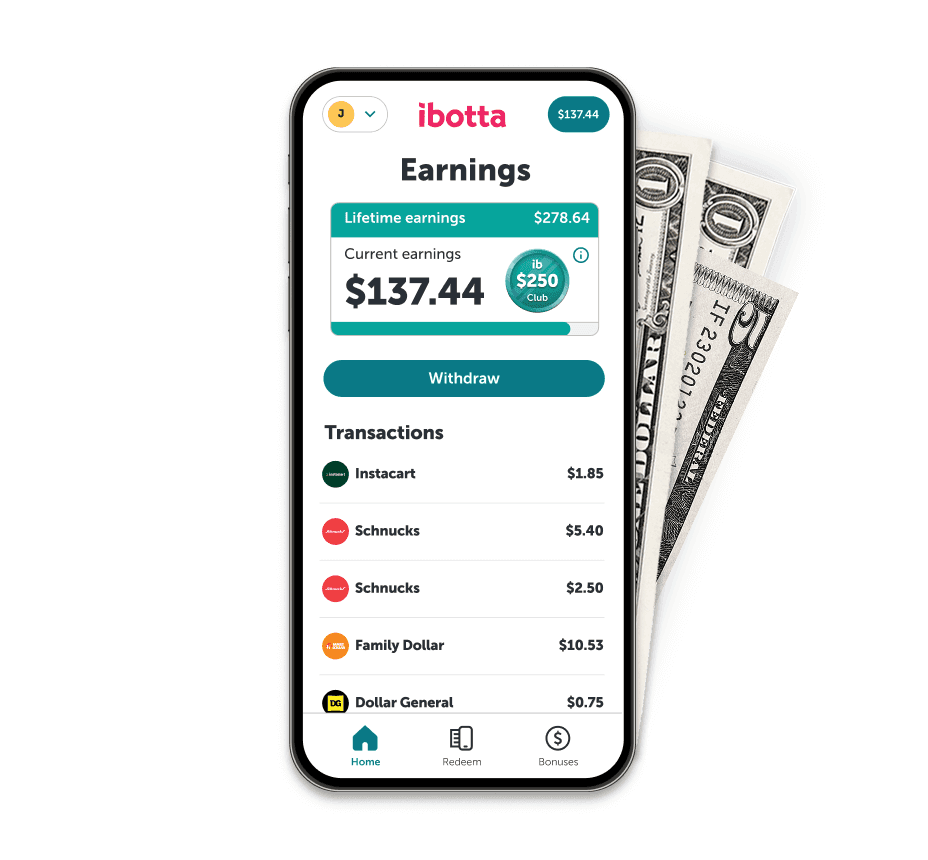
Ibotta: The gold standard for grocery cashback. Browse offers before shopping, buy the items, scan your receipt (or link your loyalty card), and earn cash back. Withdraw to PayPal or Venmo.
Fetch Rewards: Scan any grocery receipt and earn points. Less targeted but more passive — useful for the items you buy regardless.
Checkout 51: Weekly offers, similar to Ibotta. Worth checking both since offers rarely overlap completely.
How stacking works: If your store app has a digital coupon for $1 off a specific yogurt brand, and Ibotta also has $0.75 back on that same yogurt, you save $1.75 total. Over a full shopping cart, this adds up fast.
Tier 3: Manufacturer Coupon Sites
These are manufacturer-issued digital coupons that can load onto your loyalty card:
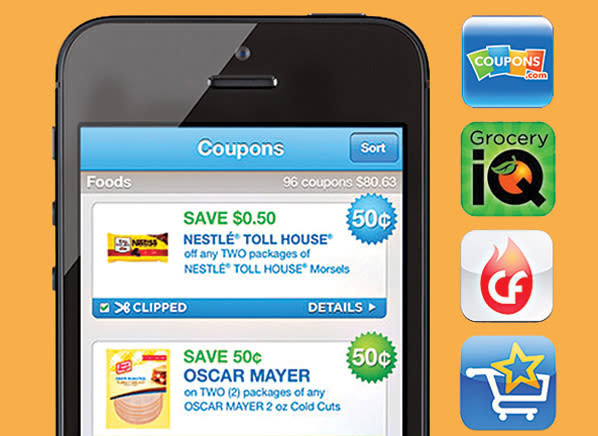
Coupons.com: Clip to store card or print (if you must)
SmartSource: Similar platform, manufacturer-direct deals
RetailMeNot: Strong for online shopping coupon codes
These are more useful for non-grocery purchases — household goods, personal care, cleaning supplies — where brand loyalty tends to be stronger and manufacturer coupons are more generous.
Tier 4: Credit Card Offers
Don't overlook the savings already sitting in your credit card app. Most major cards — Chase, Amex, Citi — include an "Offers" or "Deals" section where you can activate statement credits at specific retailers. These rarely require any coupon code; just activate the offer and shop.
The Weekly Shopping Routine
The difference between someone who saves consistently and someone who gives up is routine. Here's a simple weekly rhythm that takes under 20 minutes total outside of actual shopping time.
Sunday or Monday: Prep Day (10–12 minutes)
Open your store app(s) and clip all relevant coupons. Don't overthink it — clip broadly across categories you shop.
Check the weekly ad (usually refreshes Sunday or Wednesday). Note what's on sale and build your list around those items.
Open Ibotta and browse for offers matching your planned purchases. Add them to your account before you shop.
Check your credit card offers and activate anything applicable.
Shopping Day: At the Store (2–3 minutes)
At checkout, make sure your loyalty app is open and your card or phone number is entered.
If using Ibotta with receipt scanning (not linked card), save your receipt.
For online orders: run your browser extension at checkout and compare auto-applied codes.
Post-Shopping (2–3 minutes)
If receipt scanning: take a photo immediately so you don't forget.
Track your savings total — even informally, in a note. This keeps motivation high.
That's the full routine. The key is consistency, not intensity. Five minutes of prep before a grocery run will reliably save $10–25. Over a year, that's real money.
Avoiding Burnout: Saving Sustainably
Extreme couponing burnout is real, and it's usually caused by the same mistakes:
Chasing deals instead of needs. If you're buying six bottles of mustard because they're 80% off and you hate mustard, you're not saving money — you're spending it. The foundation of sustainable couponing is buying what you actually use, on sale, with a coupon on top.
Using too many apps at once. Start with one store app + one cashback app. Add others only after the habit is solid.
Letting perfect be the enemy of good. You won't always find a coupon for everything. That's okay. A 15% savings week is better than no savings week because you were waiting for a bigger deal.
Not adjusting as life changes. Your couponing system should flex. Busy week? Do the bare minimum (clip coupons Sunday, that's it). More time? Go deeper on deal stacking.
Sustainable Savings Habits
Set a realistic goal: Aim to save 15–25% on groceries, not 90%. Consistent 20% savings over a year is life-changing; chasing 90% is exhausting.
Batch your coupon prep: Do it once a week, not throughout the week. Decision fatigue is a real enemy.
Celebrate small wins: Screenshot your savings totals. Share them if it helps you stay motivated. This is a skill that improves with time.
Stock up when it's right: When a staple item you use hits a genuine rock-bottom price, buy several. This is where extreme couponing discipline actually pays off — buying 4 bottles of dish soap you'll definitely use, at 60% off, is smart inventory management.
FAQ
Do digital coupons work as well as paper? For most shoppers, yes — and often more conveniently. The deals available through store loyalty apps, cashback platforms, and manufacturer coupon sites cover most of what you'd find in paper inserts. The main exception is if your store still accepts paper coupons from competitors, which allows aggressive stacking not possible digitally.
Can I stack digital coupons? Yes, with some limits. You can typically stack a store digital coupon with a cashback app offer (like Ibotta) on the same item. You generally cannot stack two store coupons on a single item. Stacking is where the biggest savings live — learn your stores' policies early.
How much time does digital couponing actually take? Once your system is set up, expect 10–15 minutes per week for prep and 2–3 minutes at checkout. This is far less than traditional couponing, which often required 3–5+ hours weekly.
Is extreme couponing worth it if I have a small household? Absolutely. You'll just focus more on non-perishable staples and household goods rather than buying in massive quantities. Many digital coupon deals apply to single-item purchases, making them perfect for smaller households.
What's the best app for beginners? Start with your primary grocery store's loyalty app. Once that's a habit, add Ibotta. Those two alone can generate significant savings for most households without overwhelming complexity.
Whether you're looking to shave $50 off your monthly grocery bill or genuinely transform your household's financial picture, digital couponing gives you the tools to do it — without the scissors, the binder, or the Sunday morning newspaper ritual. The system is simpler than it looks, the savings are real, and the habit, once built, practically runs itself.
Start with 30 minutes this week. Your wallet will thank you by next month.
Looking for more ways to save? Explore our complete coupon guide and grocery savings category for strategies that work alongside this system.